An LED wall can be the same physical size and still produce a very different result depending on its pixel pitch. The right choice starts with the closest audience position, but it does not end there. Presentation text, live camera feeds, screen dimensions, curved surfaces and the production budget all change what “close enough” means.
This buyer's guide focuses on that decision. For equipment, installation and on-site operation, see LED screen rental. To compare the full quote scope—including panel area, processing, crew, rigging and logistics—use the dedicated LED screen rental price guide.
What does LED pixel pitch mean?
Pixel pitch is the centre-to-centre distance between adjacent LED pixels, measured in millimetres. P1.9 therefore places pixels about 1.9 mm apart, while P2.9 places them about 2.9 mm apart. On two walls with the same physical dimensions, the P1.9 wall has more pixels and a higher native canvas.
That extra density can make small text, interface graphics and fine lines look cleaner at close range. Once the audience moves farther away, however, the visible difference narrows. Buying the finest available pitch without checking the real viewing conditions can spend budget where the audience cannot see the benefit.
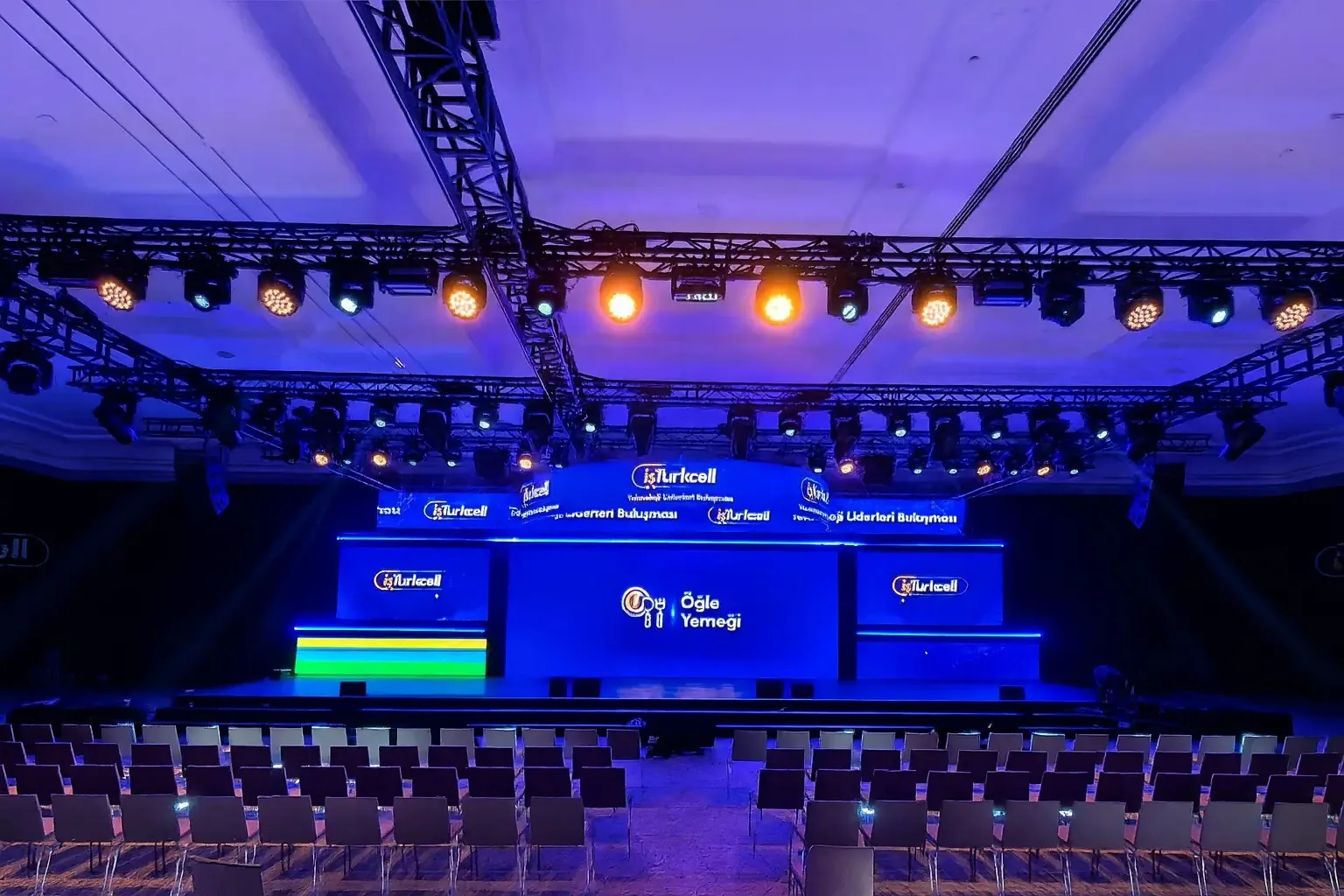
Use viewing distance as a shortlist, not a guarantee
A common first-pass rule uses approximately one metre of minimum viewing distance for each millimetre of pitch. It is useful for creating a shortlist, not for signing off a system. At that threshold many viewers can still perceive pixel structure, particularly on bright high-contrast graphics. A more comfortable distance may be greater.
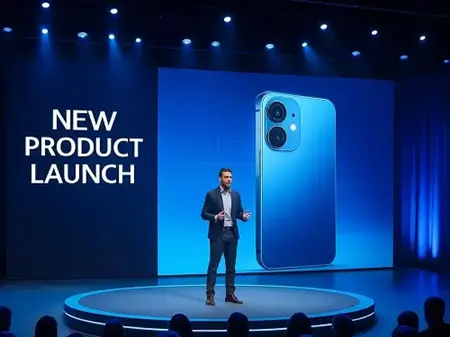
Start with the closest meaningful viewer, not the final row. Then ask what that person must read. A product launch with small interface details may need a finer pitch than a concert wall showing bold motion graphics at the same distance.
| Pitch | Practical first shortlist | Typical event use | Check before approval |
|---|---|---|---|
| P1.9 | About 2 m and beyond | Close-view launches, detailed presentations, camera-led corporate shows | Fine text, camera angle, processor map and total wall resolution |
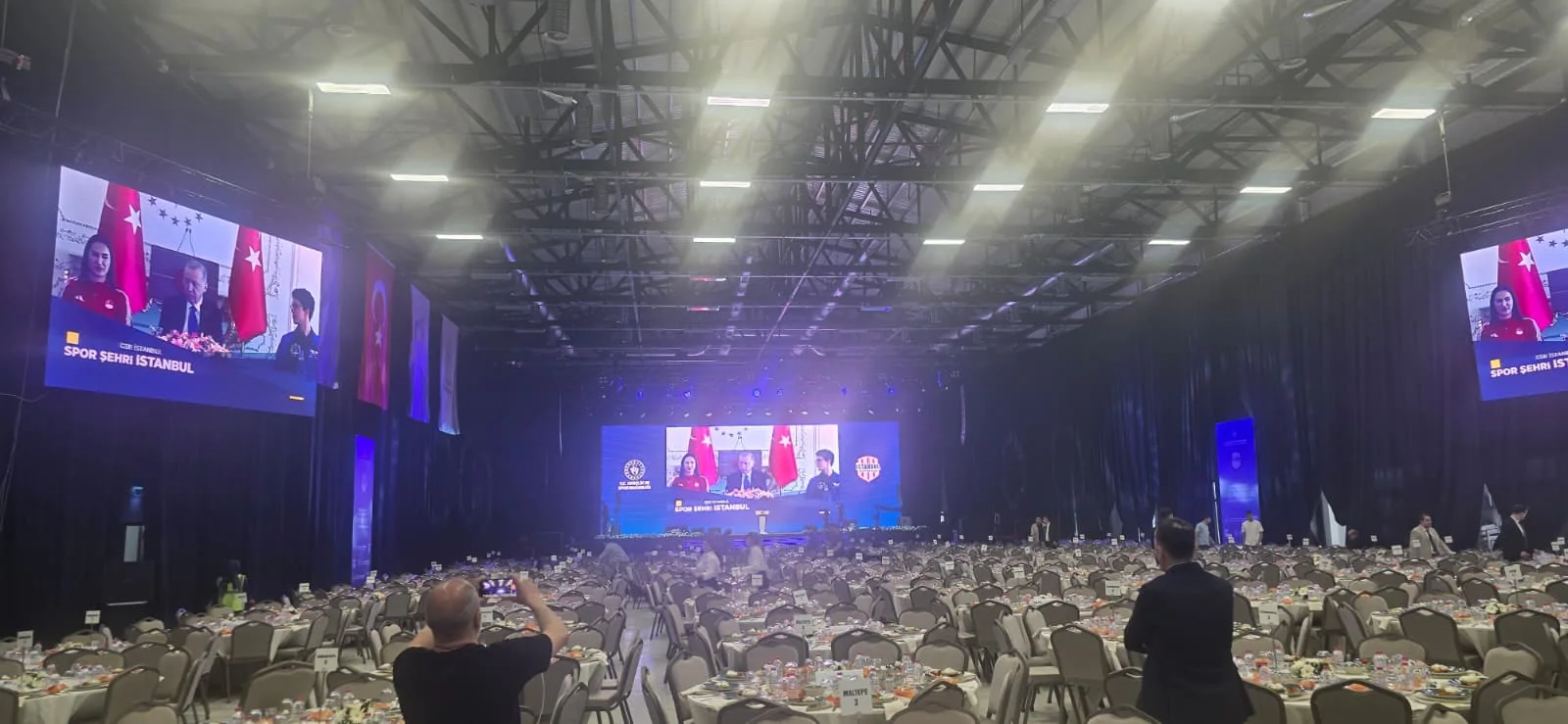
| P2.6 | About 2.6–4 m and beyond | Conferences, dealer meetings, gala stages and exhibition presentations | Closest seat, slide typography and camera rehearsal |
| P2.9 | About 3–5 m and beyond | Larger rooms, wider audiences, video-led programmes and side screens | Whether small text is essential and how far the first row can be set back |
| P3.9 or wider | Longer audience distances | Large stages and selected outdoor applications | Brightness, weather rating, screen size and long-range sightlines |
Important:
These distances are planning ranges, not product warranties. Confirm the selected panel with a content sample and, when cameras are involved, a camera test under show lighting.
How P1.9, P2.6 and P2.9 fit real event briefs
Sahneva's current indoor rental stock includes Absen P1.9 and Unilumin P2.6 and P2.9 panels. That range allows the pitch to follow the brief instead of forcing every project onto one cabinet. A close-view product demonstration can prioritise P1.9, while a conference whose first row begins farther back may use P2.6 or P2.9 efficiently.
The decision also changes with the wall's role. A central presentation wall carrying financial tables needs more detail than a high side banner carrying brand motion. One event can therefore use different pitches or screen treatments in different positions, provided the processing and content workflow is designed as one system.
When P1.9 earns its place
- The first audience or camera position is close to the wall.
- The content contains small labels, interface detail or fine typography.
- The LED surface is part of a premium launch, broadcast or curved visual design.
- The native resolution gained from the finer pitch is actually used by the content.
When P2.6 or P2.9 may be the better buy
- The audience is set farther back and the content uses event-scale typography.
- The project needs a larger total surface within a fixed production budget.
- Video, IMAG and brand motion are more important than spreadsheet-sized detail.
- A realistic content test shows no useful visual gain from a finer pitch.
Match the content canvas to the physical LED wall
Pitch and wall dimensions determine the wall's native pixel canvas. Divide the physical width in millimetres by the pitch to estimate horizontal pixels; do the same for height. A nominal 6 m × 3.5 m P2.6 wall, for example, is roughly 2,308 × 1,346 pixels before the exact cabinet map is confirmed.
The production team should provide the final mapped resolution after cabinet layout and processor configuration. That is the canvas the content team needs—not simply “Full HD” or “4K”. Sending a 16:9 video does not automatically make a non-16:9 scenic wall display correctly.
| Content | Why pitch matters | Buyer check |
|---|---|---|
| Keynote slides | Fine text and thin charts expose insufficient density first | Approve the smallest font on the real wall or a representative panel |
| Live camera feed | Pixel structure and moire can appear differently through a lens | Test shutter, angle, distance and show lighting |
| Brand film | Motion may look good at a wider pitch while static legal text does not | Review both video and the smallest mandatory text |
| Wide or curved canvas | The physical aspect ratio may not match standard video | Request an exact pixel map and safe-area template |
Camera use and curved LED need an additional test
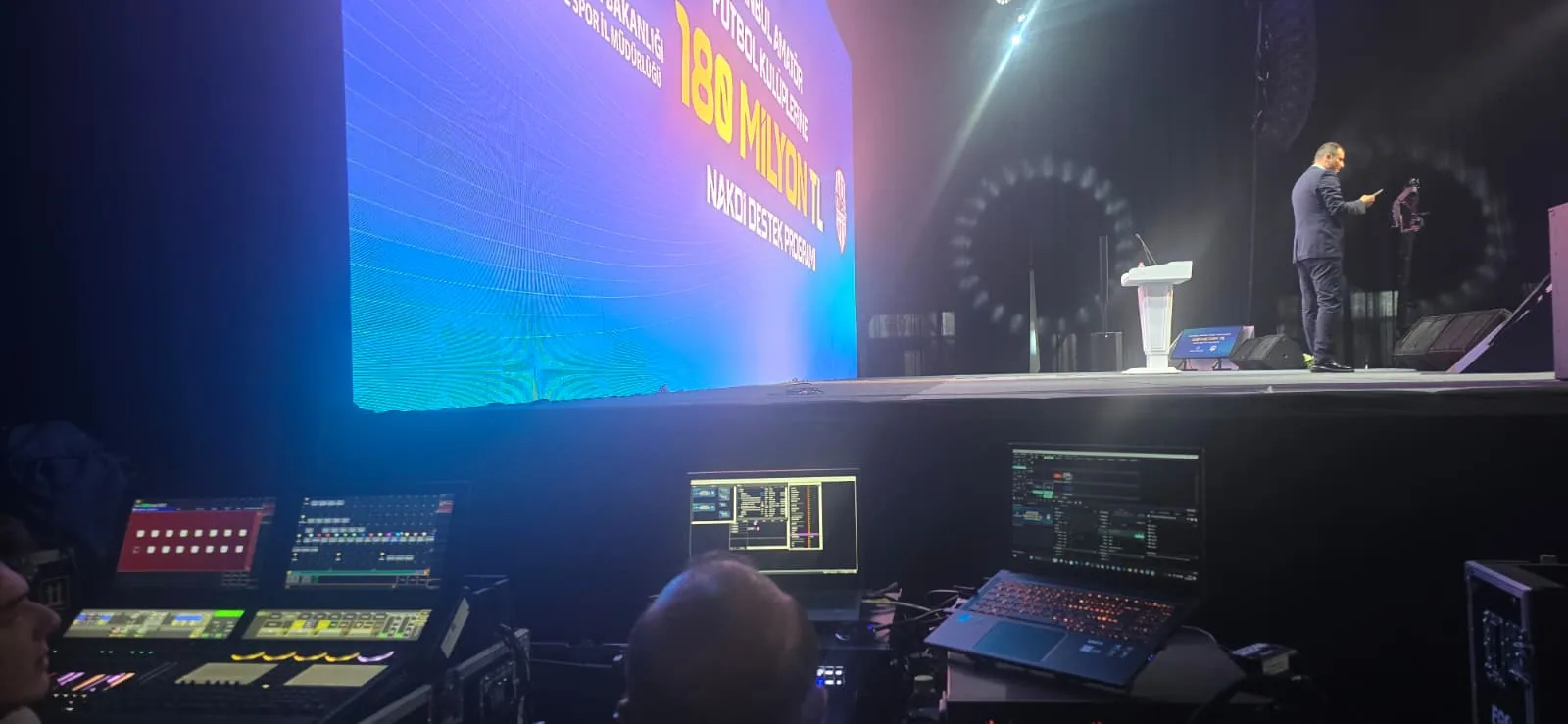
Pixel pitch does not by itself make a wall camera friendly. Refresh configuration, scan behaviour, processor settings, camera shutter, lens choice, distance and angle all influence flicker, scan lines and moire. Include the actual camera chain in rehearsal whenever the event is streamed or recorded.
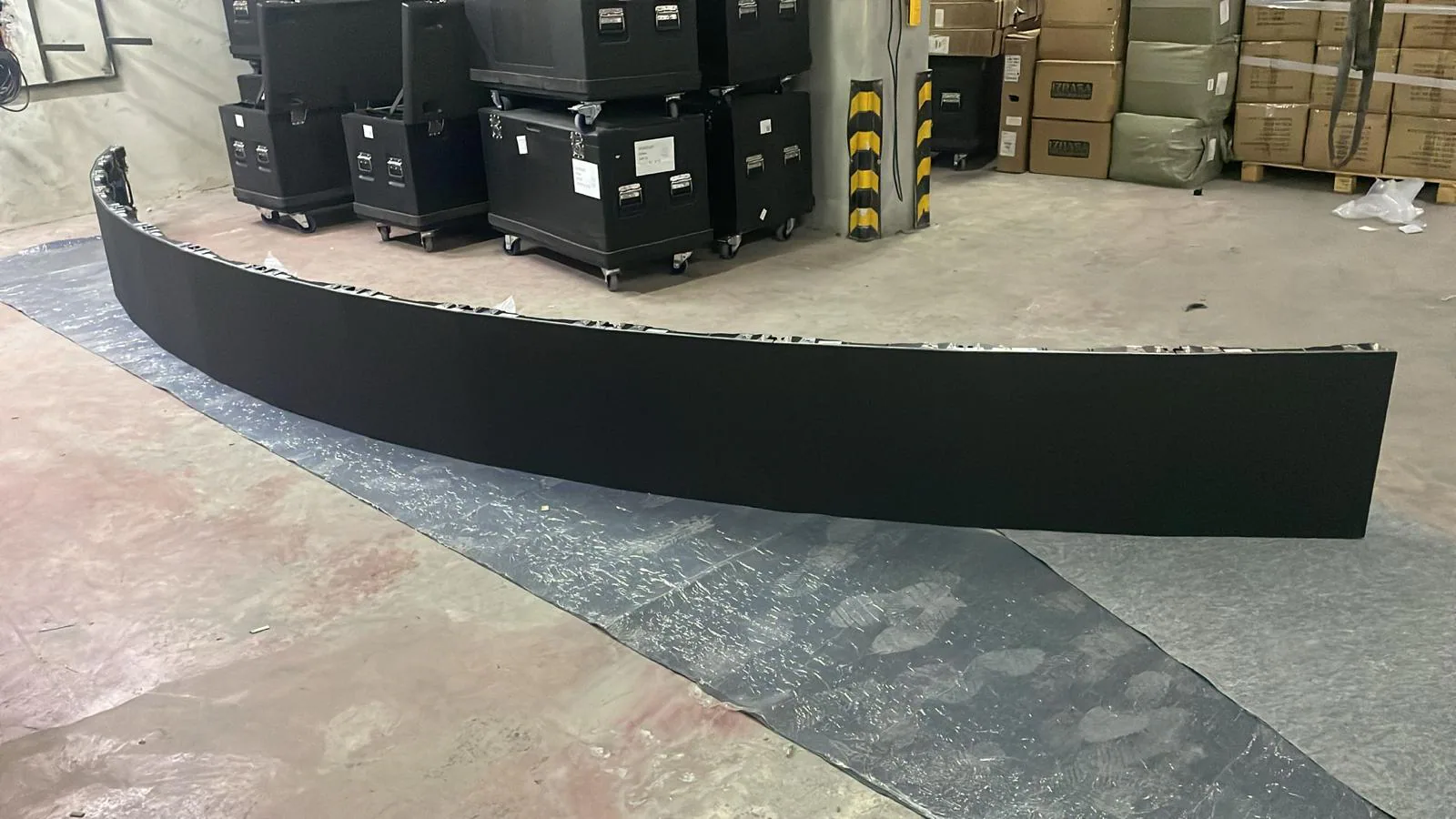
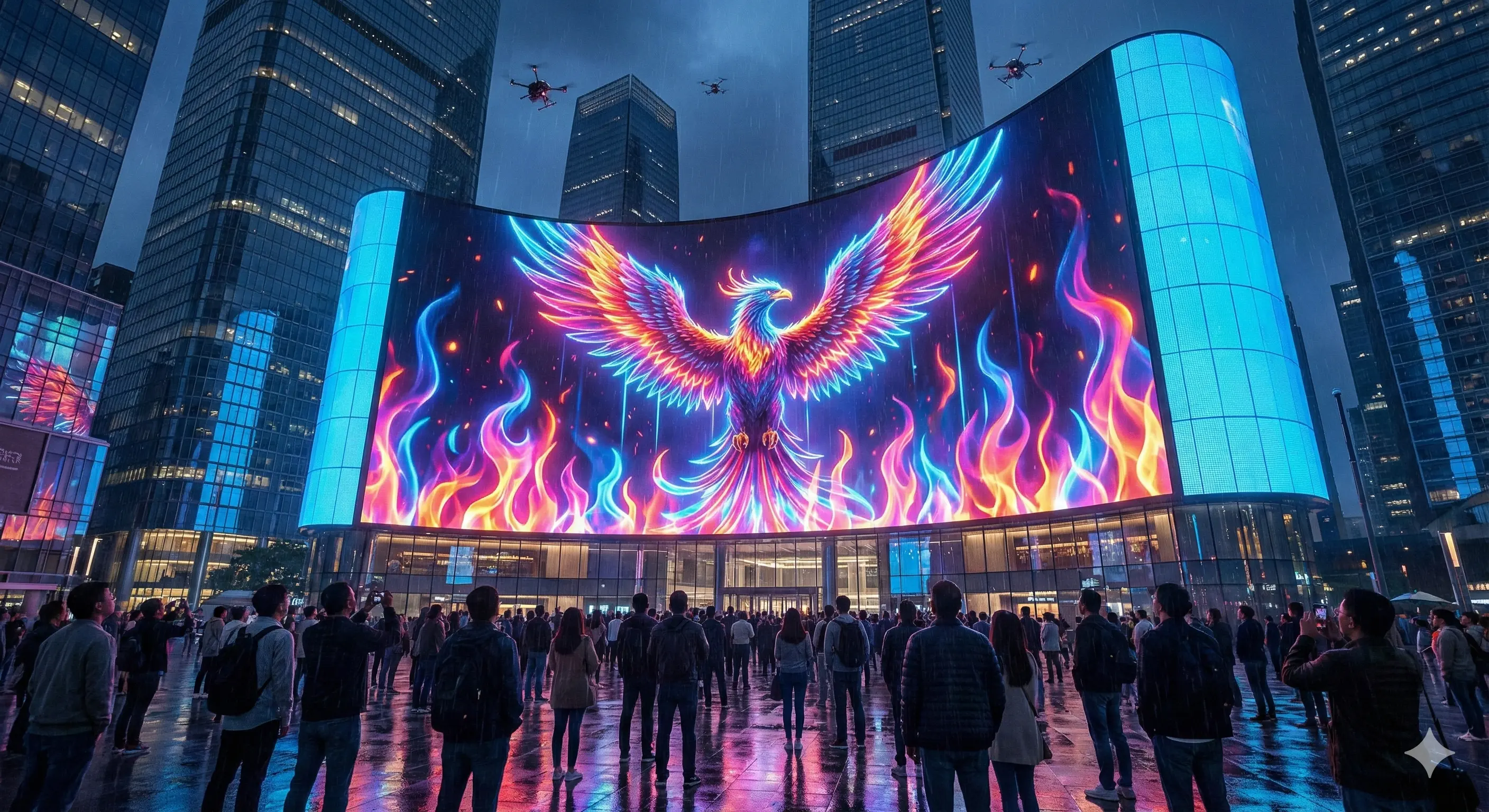
Curved LED introduces another layer. Concave, convex and circular surfaces change the audience and camera angles across the wall. Content should be previewed on the mapped geometry, and seams, brightness continuity and the safe area should be assessed from more than one viewing position.
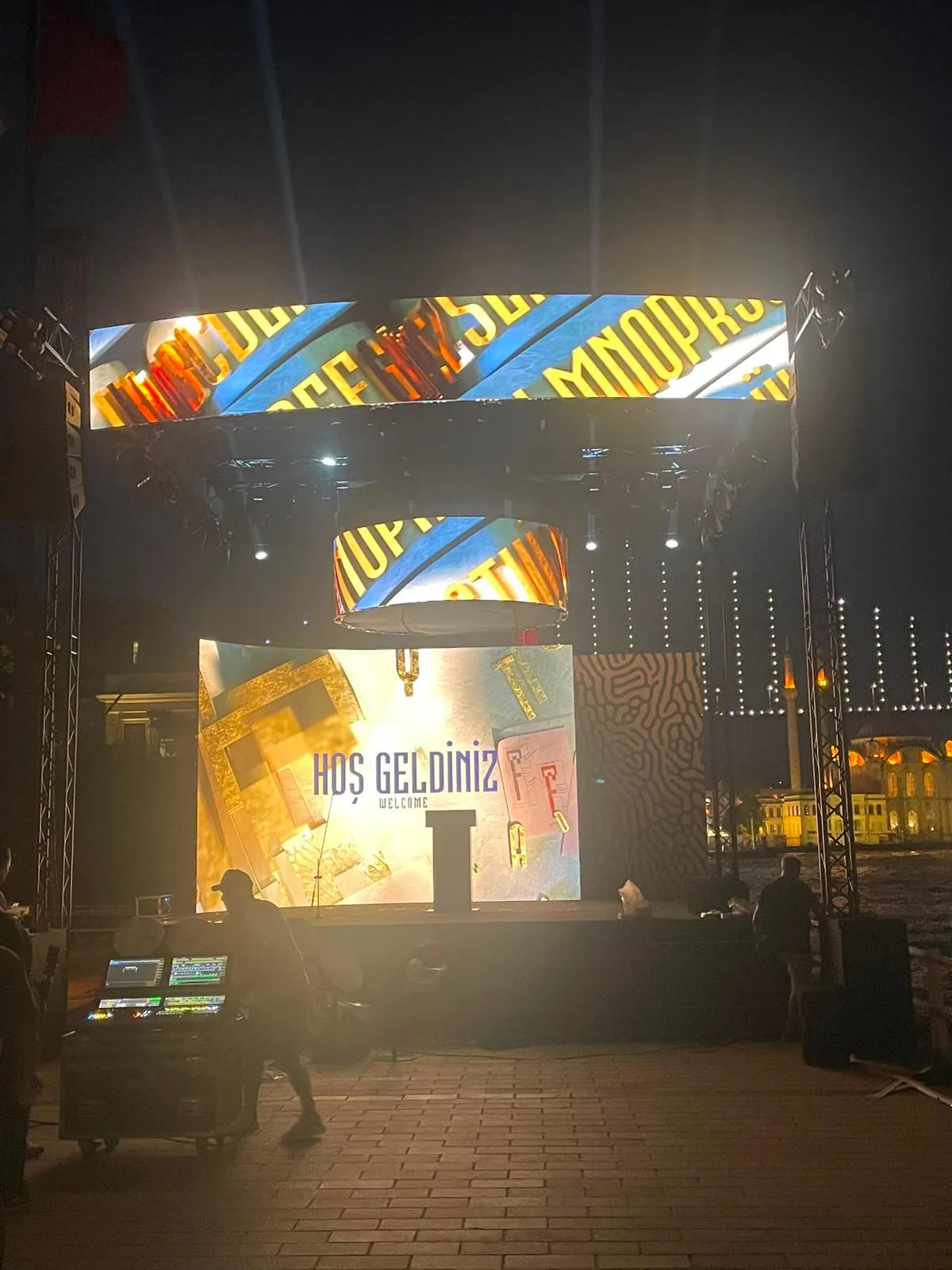
“Flexible LED” and cabinet-based curved LED are not interchangeable construction methods. If the brief includes an exhibition curve, cylindrical feature or circular ring, compare the two systems in the flexible vs. curved LED screens for events guide.
What to include in an LED screen quote request
A useful brief lets suppliers quote the same scope. Share the following before comparing price:
Ask every supplier to state the proposed pitch, panel series, total active area, native mapped resolution, processor and included technical crew. This makes a LED rental price comparison meaningful instead of comparing two unexplained square-metre totals.
Frequently asked questions
What LED pixel pitch should I consider for a 3 metre viewing distance?
P1.9 and P2.6 are sensible indoor candidates at a three metre minimum viewing distance, especially when the screen carries small text or is filmed. The final choice should be checked with the actual content, screen size and camera position rather than selected from distance alone.
Is a lower pixel pitch always better?
No. A finer pitch adds pixel density, but it may add cost and processing load without a visible benefit for an audience that sits farther away. The useful target is the coarsest pitch that still makes the closest viewer, the content and the camera look right.
Can a P2.9 LED wall be used for corporate presentations?
Yes, when the first row is far enough back and the presentation is designed for a large-format screen. Fine spreadsheets and small body text may justify P2.6 or P1.9, while bold slides, video and IMAG can work well on P2.9 at a suitable distance.
How do I prepare content for an LED screen?
Ask the production team for the exact mapped pixel canvas, aspect ratio, frame rate and delivery format. Build the master content to that canvas, keep critical text inside a safe area and test playback before load-in.
Does pixel pitch determine whether an LED wall is camera friendly?
Not by itself. Pitch affects the visible pixel structure and moire risk, while refresh configuration, scan behaviour, camera shutter, lens, distance and angle also affect the recorded image. A camera test is the reliable final check.
Related Services
Regional Rental
For fast planning and regional crew coordination based on your event location:
Go to the Regional Rental page →